Recovering Deleted Items
Restoring Items from the Trash Page
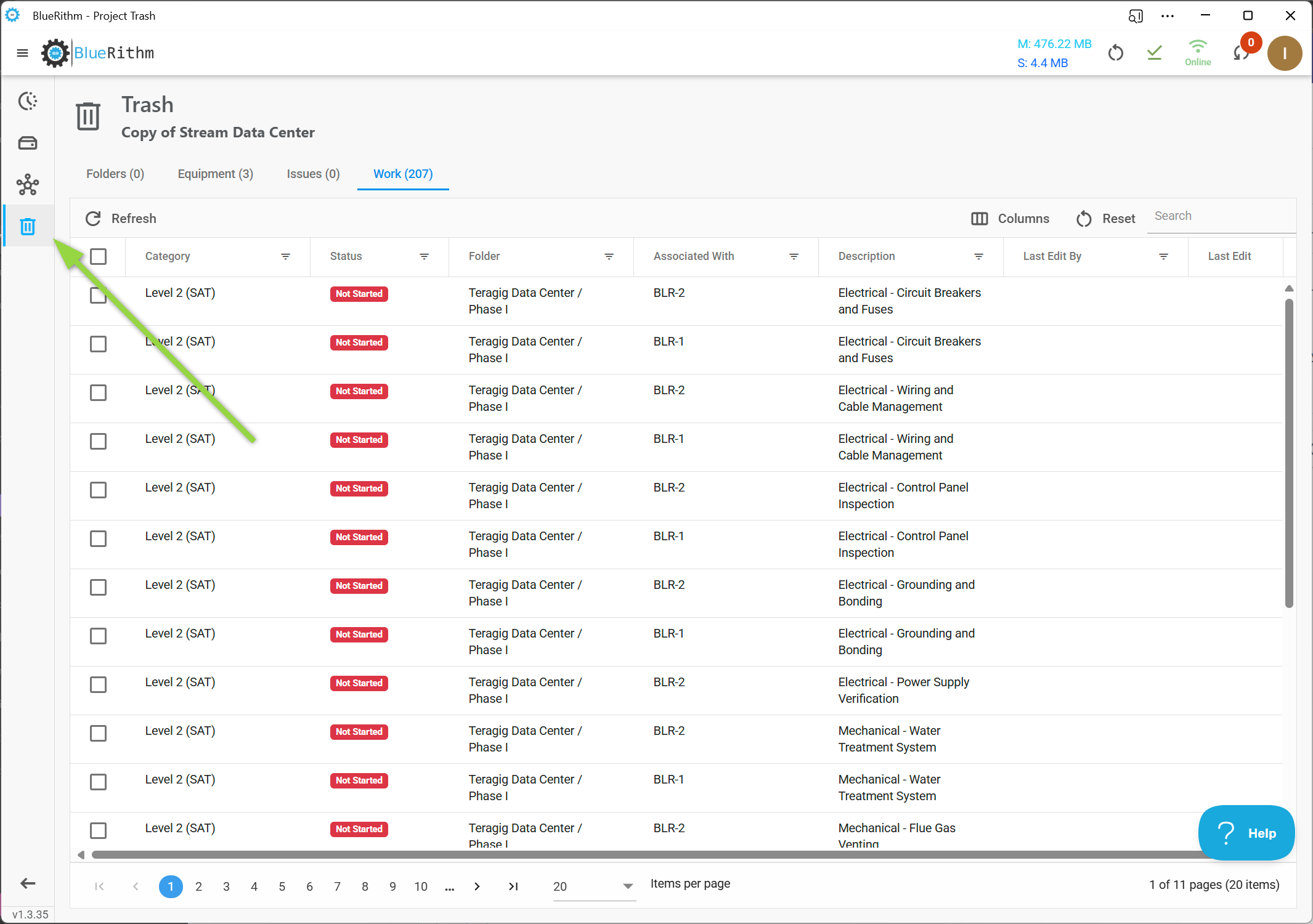
In the Bluerithm app, you can recover most deleted items using the Trash page. The Trash page allows you to filter, sort, and search for specific items to restore.
For entire projects or items not included on any of the tabs on the trash page, additional assistance may be required from support.
There are multiple tabs on the Trash page that correspond the items from a project that can be recovered. On each tab, you can search, filter, and sort to find specific items to restore. Once found, select them using the checkboxes and click the Restore button.
The checkbox in the header row selects every item on the current page. Each tab shows up to 100 items per page; to restore more than that, restore one page at a time.