
Signing in for the First Time
Your first point of contact with Bluerithm will often be through a project invitation like the one shown below. It's also possible to navigate directly to Bluerithm, and if you have a profile, you'll be able to sign in and see any projects you've been added to.
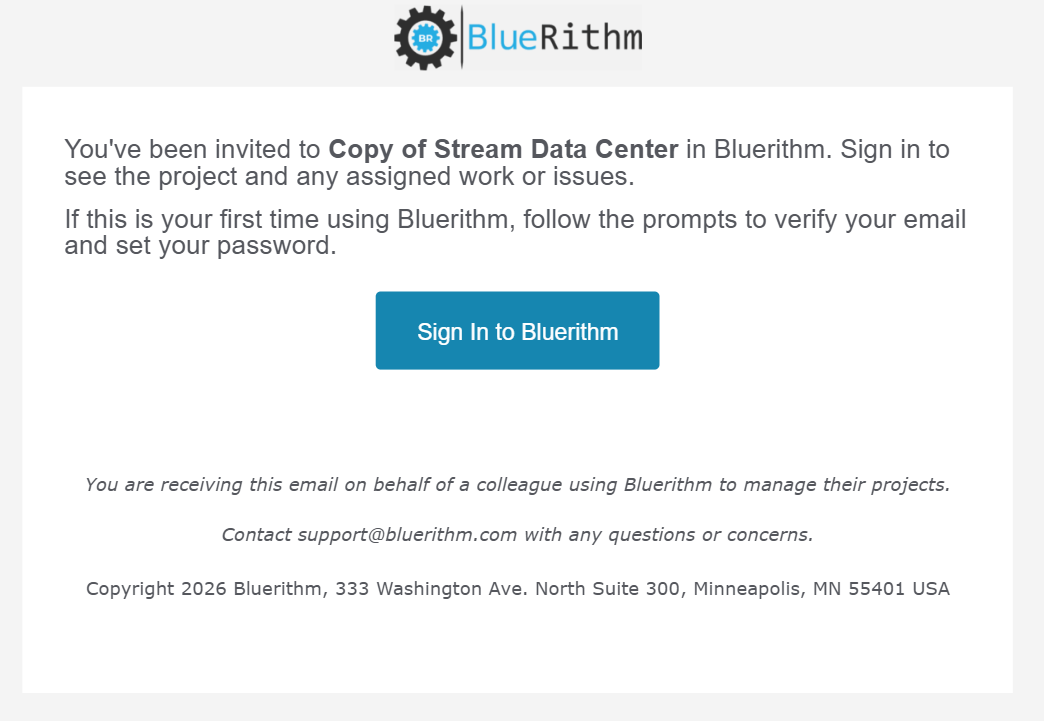
If you've never signed into Bluerithm before, you'll be prompted to verify your email address (with a confirmation email), and to set a password.
Note: If you've been invited to projects in Bluerithm on other accounts in the past, you may need to sign out, then back in, so you can select the Bluerithm account you need to access.
To sign out of the new Bluerithm, click your profile icon in the top right, choose Log Out, and confirm. If you have unsynced offline changes, Bluerithm asks you to sync them first.