Accessing Your Assigned Work and Issues
When your Bluerithm profile has the Guest role, the app is optimized to require minimal training and easily access you and your company's assigned work and/or issues.
Select the project you need to work in
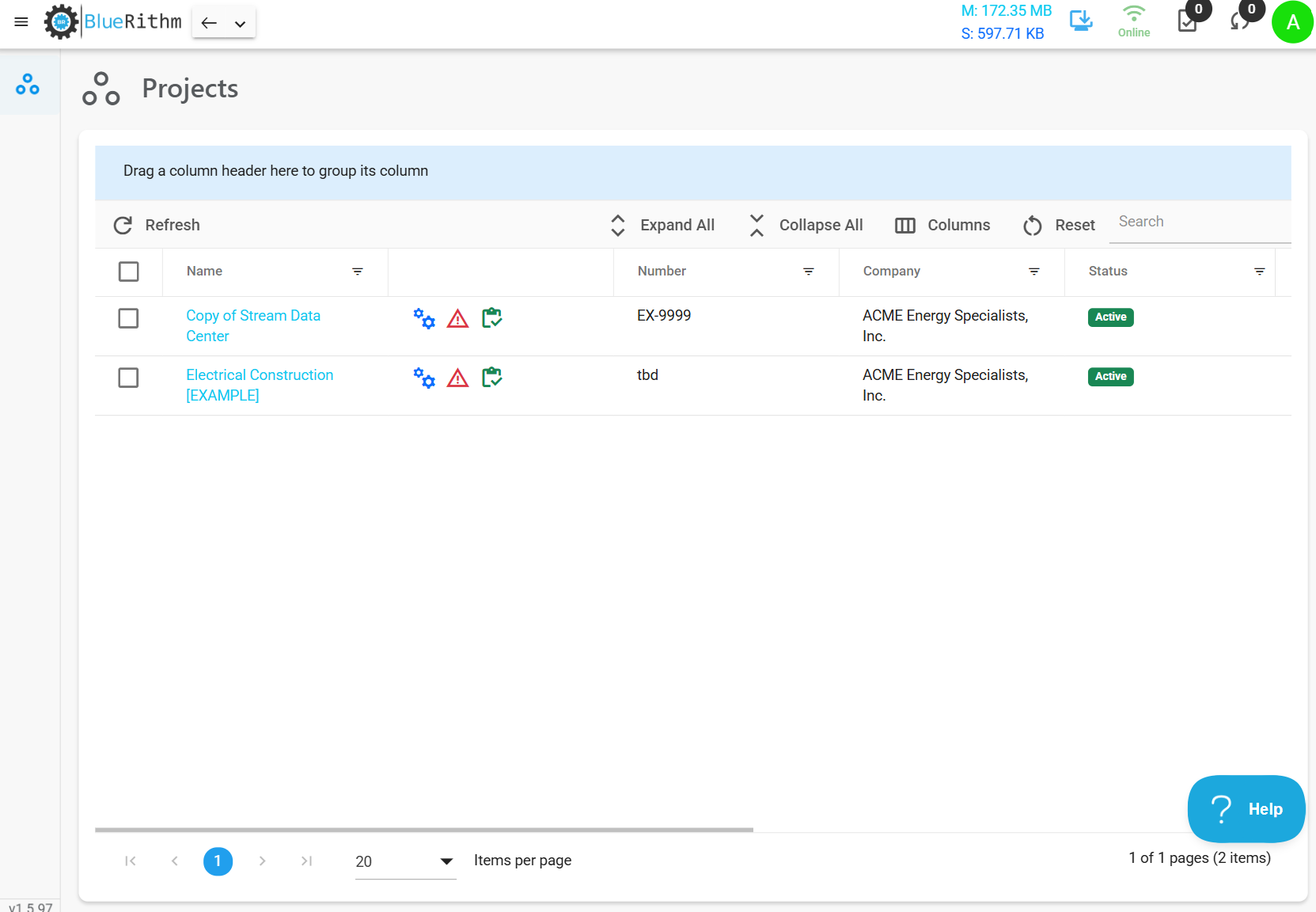
The only items you'll see on the equipment, issues, and work pages are the ones assigned to you and your company.
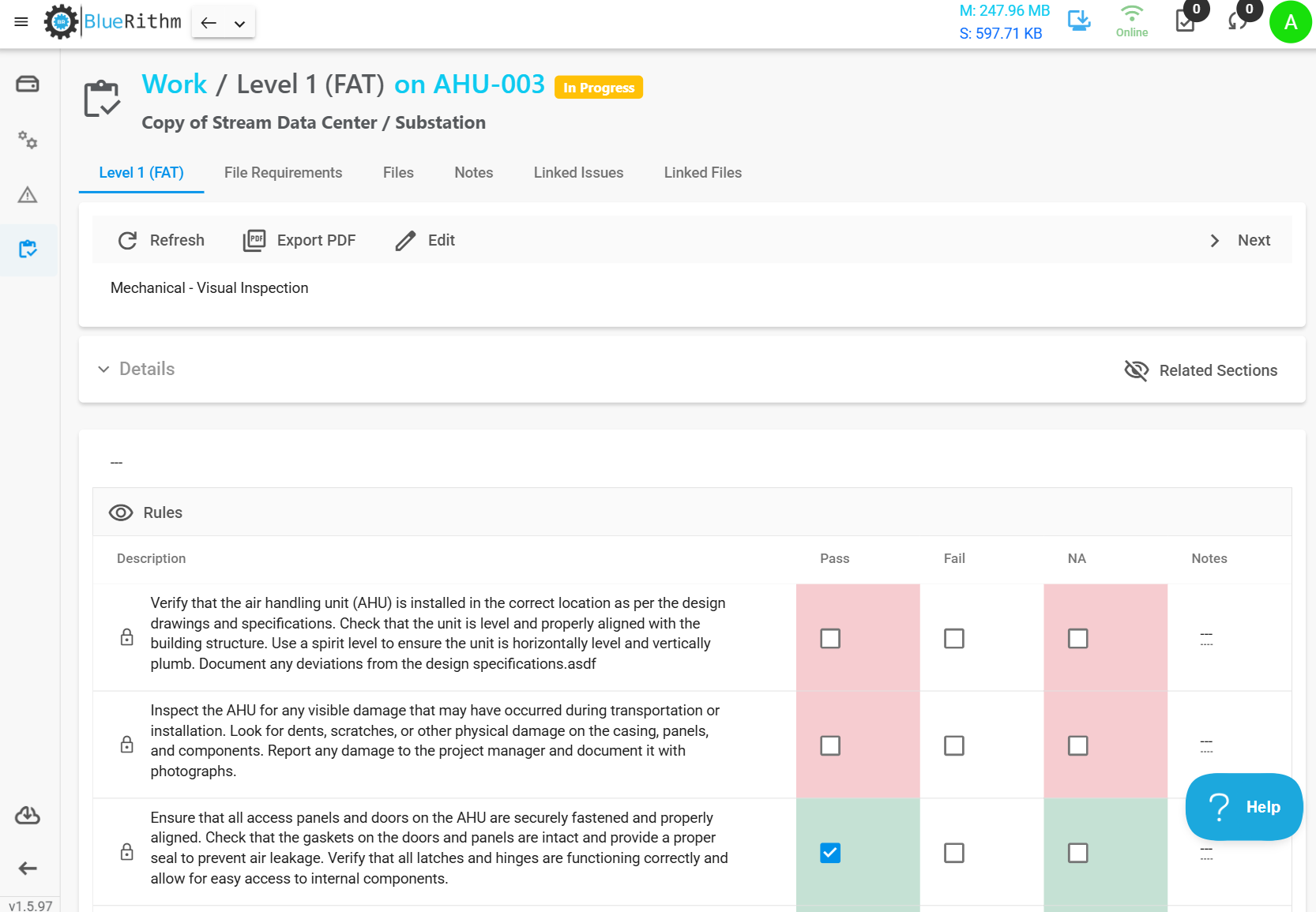
Navigate to the Work page to see any assigned checklists, forms, document requests, etc.
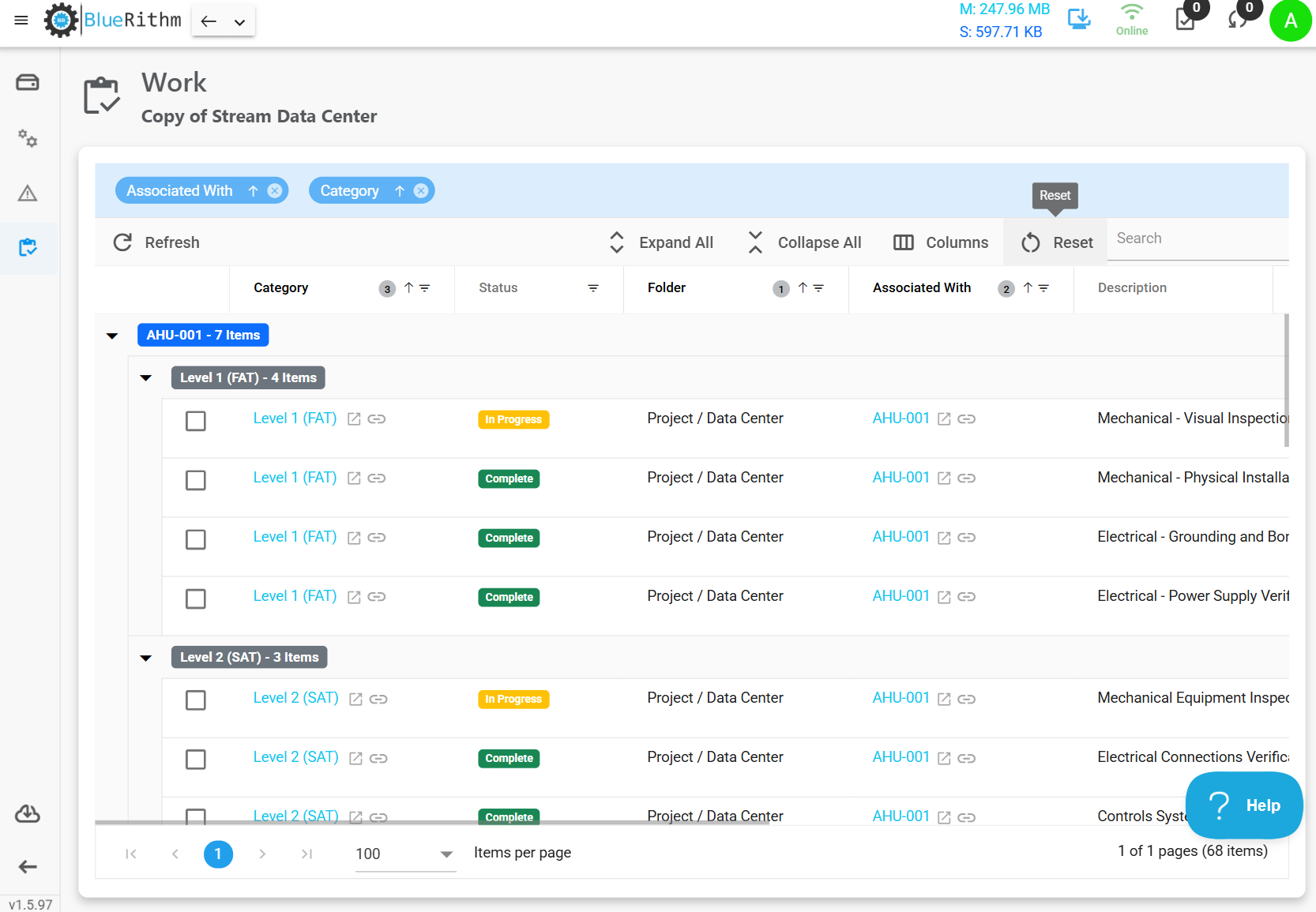
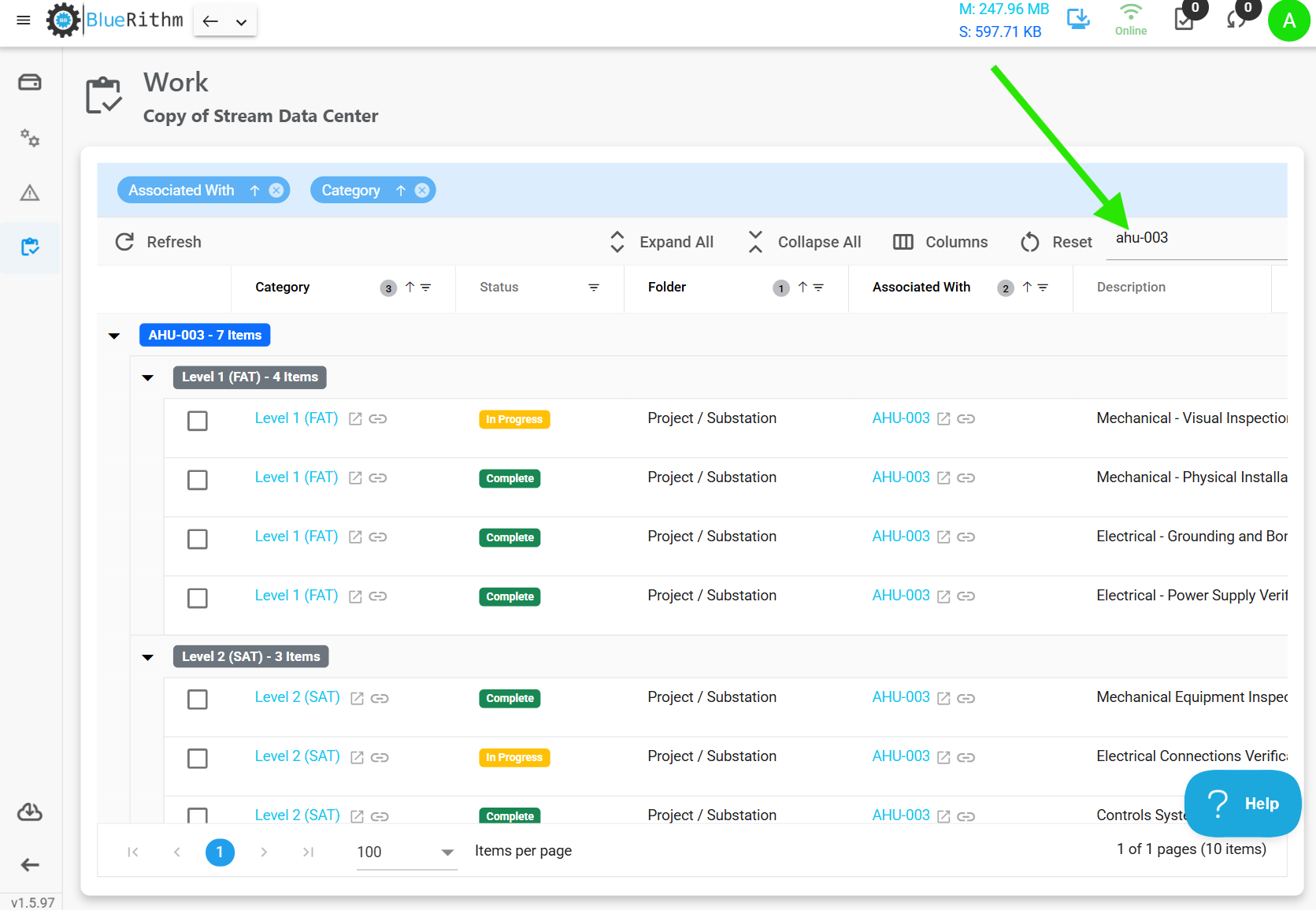
You can use the column filters or search to quickly find what you're looking for.
Click into and complete the assigned items
The status for the items assigned to you will change automatically as you work through the items (as long as the forms were set up that way by the project administrator).
The same concepts apply to the issues page
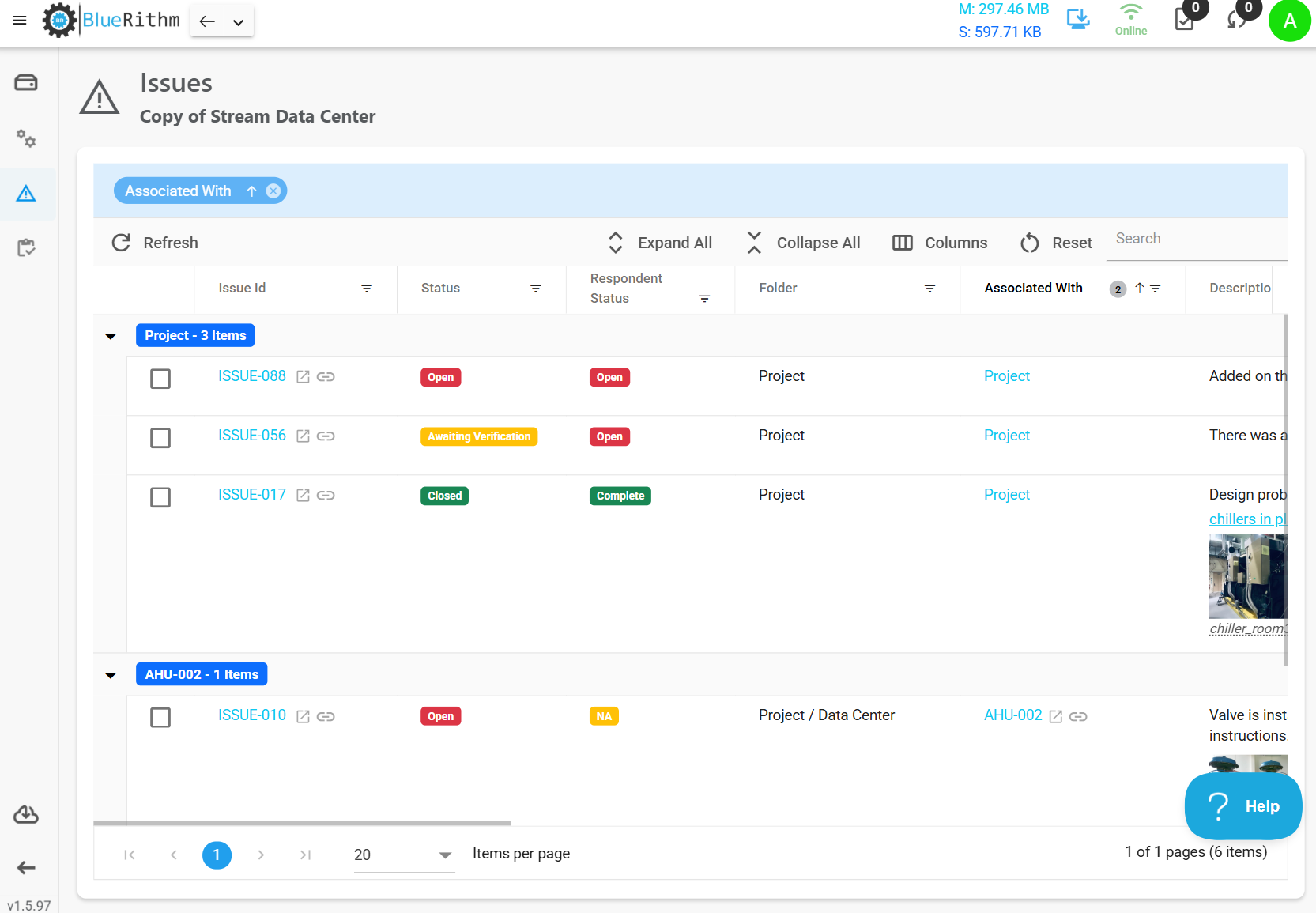
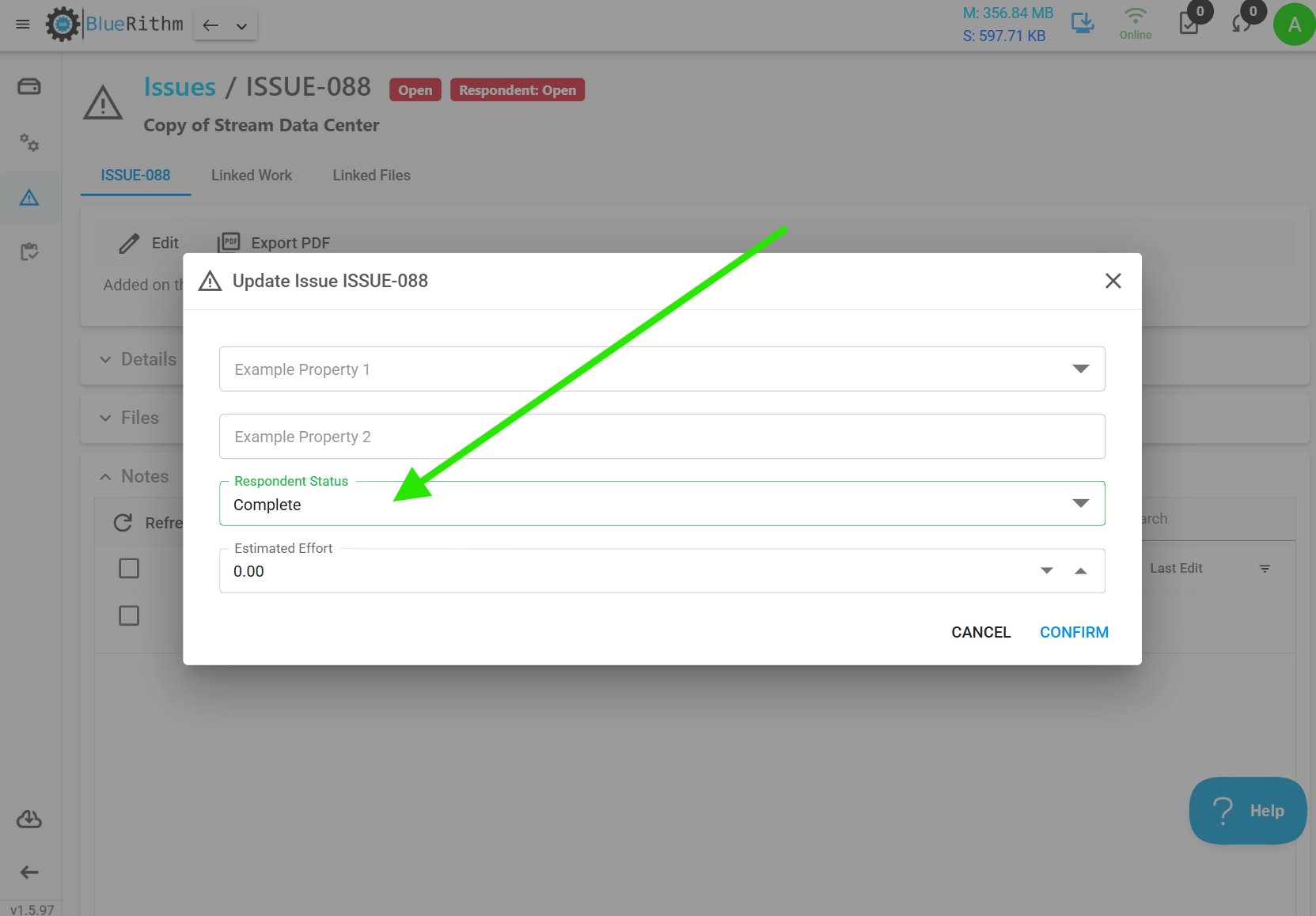
Click into the assigned issues, then add responses as Notes with supporting photos (if needed or required).
If you have resolved the issue, click the Edit button and mark your Respondent Status as Complete. This will automatically change the issue primary status to Awaiting Verification, which the project administrator(s) can then approve and change to Closed.